 Video tool · Mac
Video Cutout
Remove video backgrounds on your Mac – click, track, export with alpha.
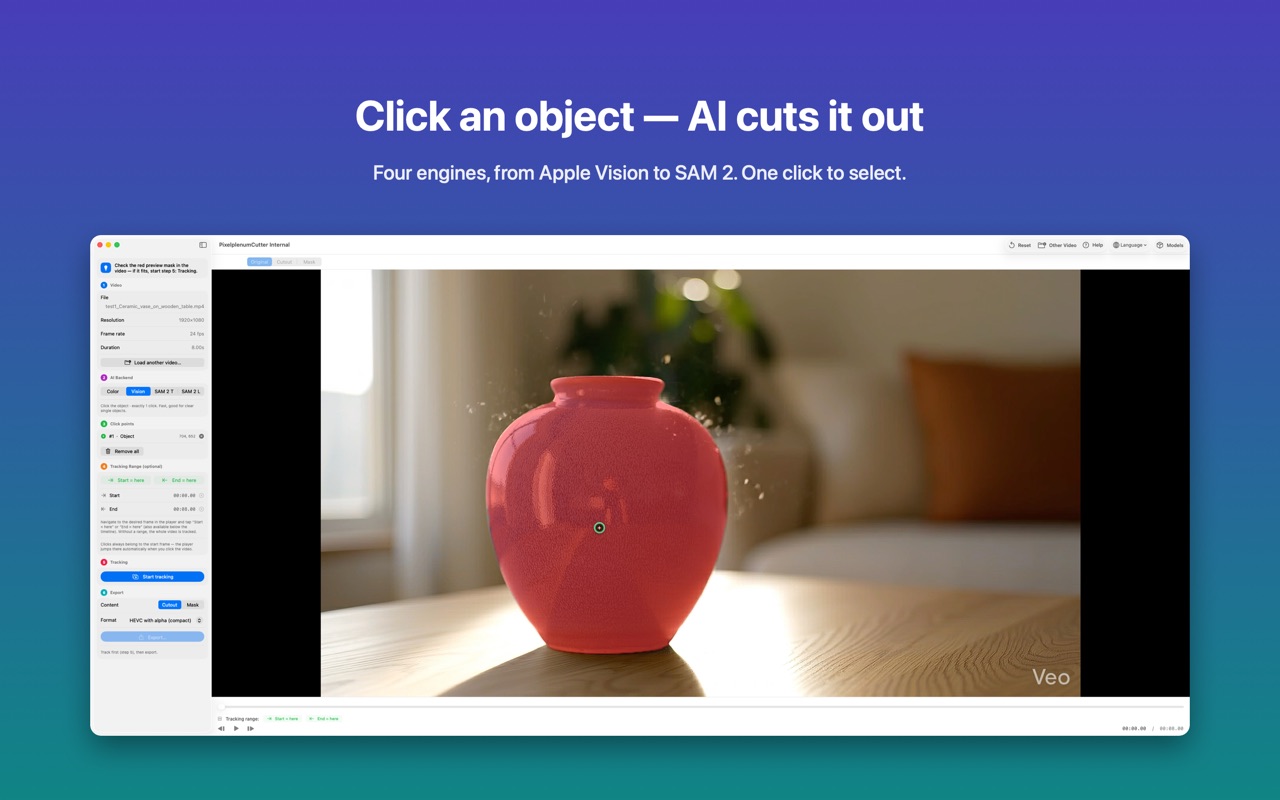
Click the object you want to keep and Video Cutout isolates it from the background across the whole clip – then exports it with a real alpha channel. No green screen, no frame-by-frame masking.

Video Cutout in pictures
What is Video Cutout?
Four engines cover every kind of shot: Apple Vision for fast single-subject cut-outs, Meta's Segment Anything 2 in a Tiny and a Large version for click-precise selections and fine edges, and Color Threshold for green screens and plain backgrounds.
The AI models run on your Mac's Neural Engine, so tracking is fast and your footage never leaves your computer. Export as HEVC with alpha (compact) or ProRes 4444 (highest quality) and drop the result onto any background in an editor that reads transparency.
From clip to cut-out in six steps
- Drag a video in (.mov, .mp4, .m4v).
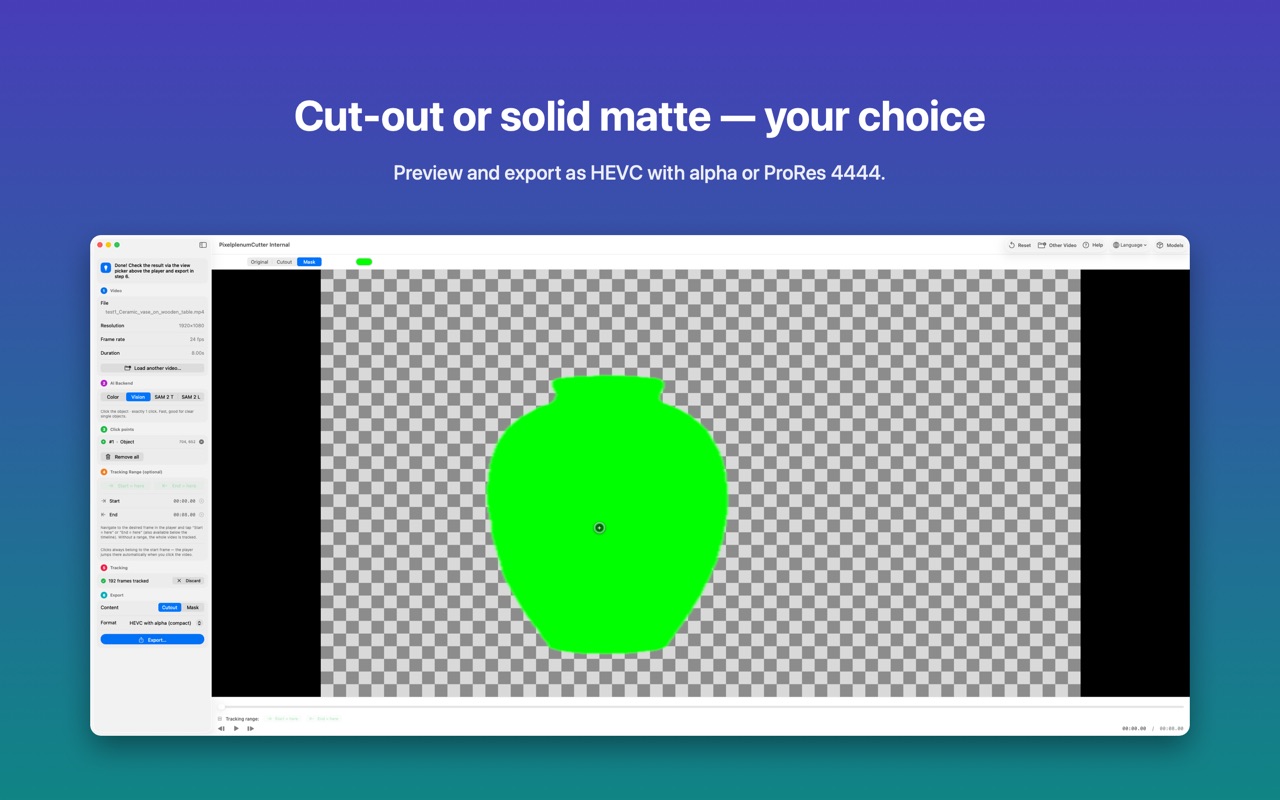
- Click the object you want to cut out – a live preview mask appears right away.
- Optionally set a start and end frame to process only the part you need.
- Start tracking – the object is followed across every frame.
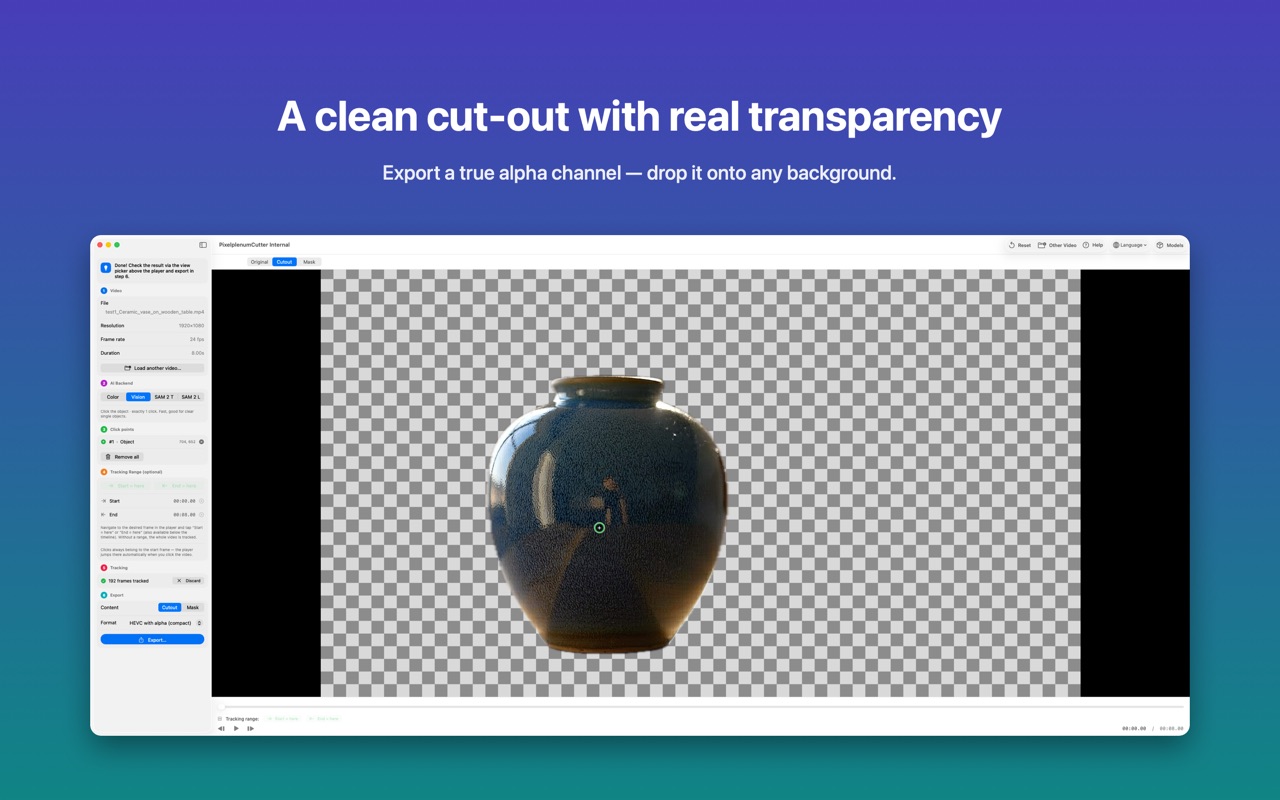
- Preview as a checkerboard cut-out or a solid-colour mask.
- Export with alpha as HEVC with alpha or ProRes 4444.
Why you'll like Video Cutout
Four AI engines
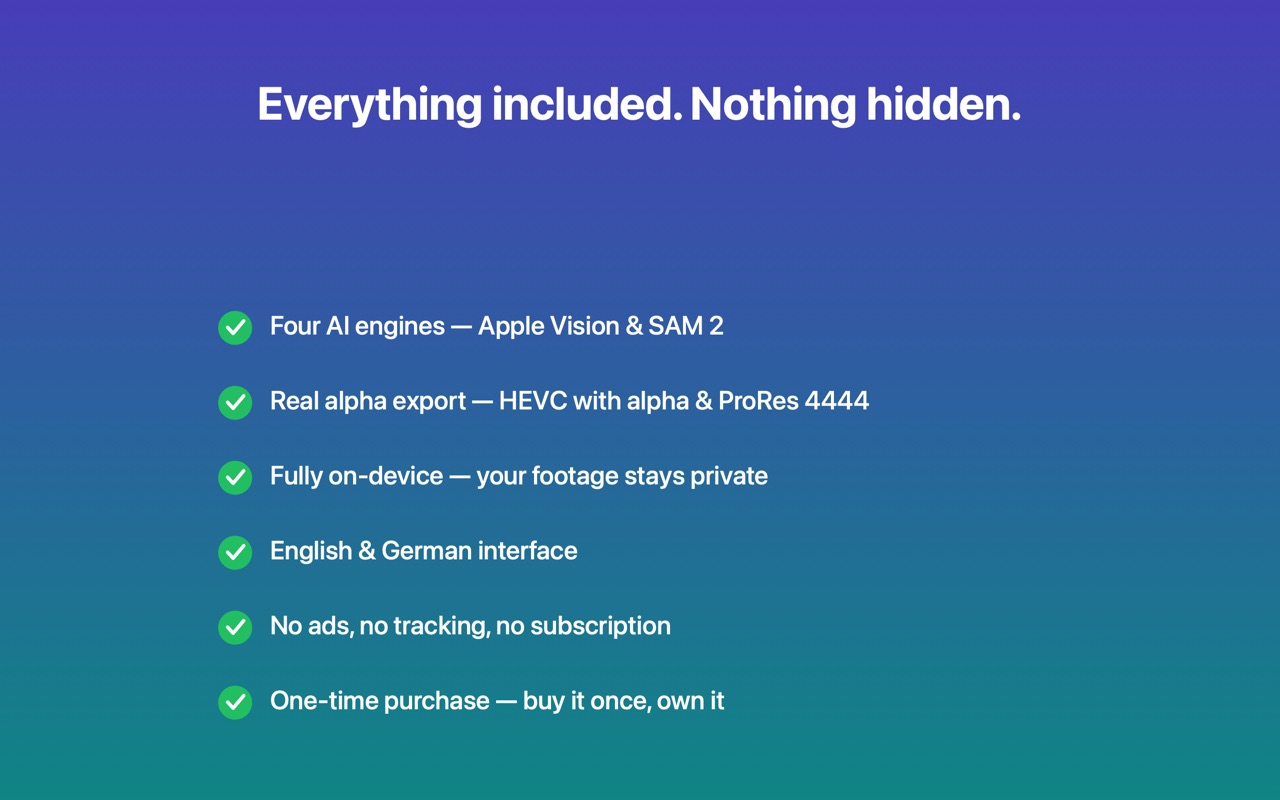
Apple Vision, SAM 2 Tiny, SAM 2 Large and Color Threshold – pick the right tool for the shot.
Multi-click selection
Add positive and negative points to nail tricky shapes.
Real alpha export
HEVC with alpha for compact files or ProRes 4444 for the highest quality.
Built for Apple Silicon
The models run on the Neural Engine – fast and fully on-device.
Fine-tuning
Sliders for edge sharpness, tracking stability and colour tolerance, each explained in plain language.
One-time purchase
No subscription, no in-app purchases, no ads, no tracking. English and German interface.
Frequently asked questions
Do I need a green screen?
No. Click the subject and the AI follows it through the clip. For footage that does have a green screen or a plain background, the Color Threshold engine keys it instantly.
Which export formats are supported?
HEVC with alpha for compact files and ProRes 4444 for the highest quality – both keep real transparency.
Is my footage uploaded anywhere?
No. All processing happens locally on your Mac; nothing is uploaded and there is no tracking.
Do the AI models cost extra?
No. The two SAM 2 engines download once, for free, the first time you use them. Apple Vision and Color Threshold work right away.
Get Video Cutout
One-time purchase – no subscription
More apps & games